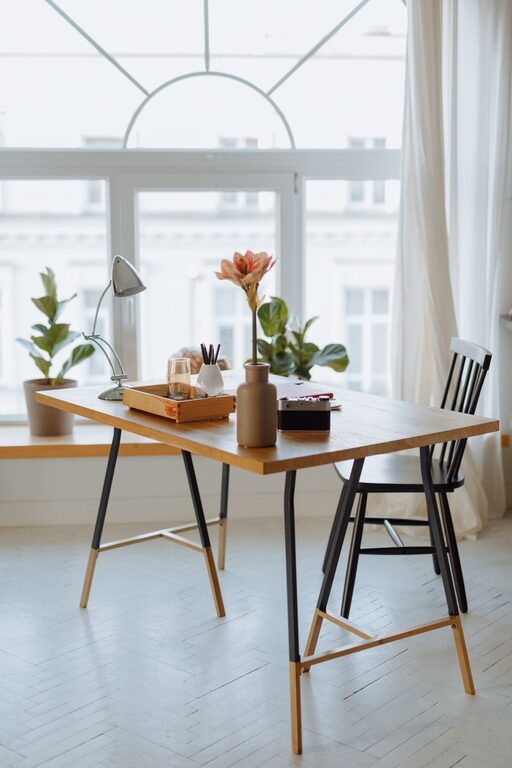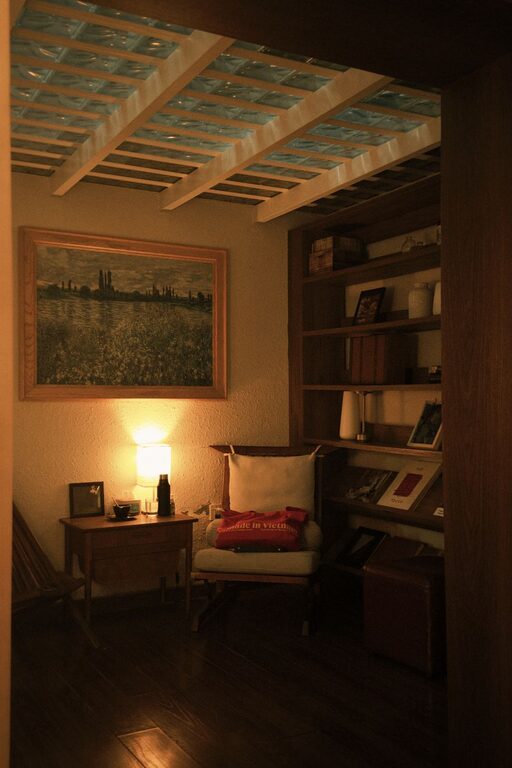






Creating a productive home workspace is essential for anyone working remotely or spending significant time on personal projects. A well-designed space can improve focus, reduce distractions, and help maintain a healthy work-life balance. Whether you have a dedicated room or just a small corner in your home, these tips will guide you in setting up an environment that enhances both comfort and productivity.
1. Choose the Right Location
Prioritize Quiet and Privacy
Select a spot in your home where you are least likely to be interrupted. A room with a door can offer privacy and help minimize noise from other household activities.
Consider Natural Light
Place your desk near a window if possible. Natural light boosts mood and reduces eye strain, making it easier to stay alert during work hours.
Think About Your Commute
Even if working from home, it helps to separate your workspace from living areas. This physical boundary signals the start and end of the workday and helps maintain balance.
2. Invest in Ergonomic Furniture
Comfortable Chair
Choose a chair that supports your lower back and encourages good posture. Ergonomic chairs reduce the risk of back pain and discomfort during long hours seated.
Adjustable Desk
If possible, use a desk that allows you to switch between sitting and standing. Alternating positions promotes better circulation and reduces fatigue.
Proper Desk Height
Ensure your desk height aligns with your chair and computer setup, so your wrists stay straight while typing and your eyes look slightly downward at the screen.
3. Organize Your Workspace Effectively
Declutter Regularly
Keep only the essentials on your desk to avoid distractions. Regularly clean and organize to maintain a tidy environment that helps clear your mind.
Storage Solutions
Use drawers, shelves, or organizers for supplies like pens, papers, or chargers. When everything has its place, you spend less time searching and more time focused.
Cable Management
Tame the cords with clips, sleeves, or ties. A neat cable setup not only looks better but reduces tripping hazards and makes it easier to clean.
4. Optimize Lighting and Screen Setup
Balanced Lighting
Combine natural light with soft, ambient lighting to avoid glare and shadows. Adjustable desk lamps can provide focused light for tasks that require more precision.
Monitor Position
Place your monitor directly in front of you about an arm’s length away. The top of the screen should be at or just below eye level to minimize neck strain.
Screen Breaks
Follow the 20-20-20 rule: every 20 minutes, look at something 20 feet away for at least 20 seconds. This practice helps reduce eye fatigue.
5. Personalize While Keeping It Professional
Add Plants
Indoor plants brighten the space and improve air quality. Choose low-maintenance options like succulents or spider plants.
Inspirational Decor
Incorporate artwork, photos, or objects that motivate you but avoid cluttering the space. Personal touches can boost creativity and comfort.
Scent and Sound
Use essential oils, candles, or ambient music cautiously to create a pleasant atmosphere without distracting from work.
6. Set Boundaries and Maintain Routine
Define Work Hours
Stick to regular working hours and communicate your schedule to family or housemates to minimize interruptions.
Take Breaks
Step away from your workspace regularly to stretch, hydrate, and refresh your mind. Breaks increase overall productivity.
End-of-Day Ritual
Establish a ritual to signal the end of work, such as tidying your desk or turning off your computer. This habit helps transition into personal time.
7. Leverage Technology and Tools
Reliable Internet
Ensure you have a strong and stable internet connection to avoid disruptions during meetings or online work.
Productivity Apps
Use tools like task managers, calendars, or focus apps to keep your workload organized and on track.
Backup Power
Consider an uninterruptible power supply (UPS) to protect your devices and data during power outages.
—
Creating a productive home workspace is about balancing comfort, functionality, and personal preference. By carefully selecting your location, investing in ergonomic furniture, organizing effectively, optimizing lighting, personalizing the space tastefully, setting clear boundaries, and utilizing technology wisely, you can transform any home area into a productive and enjoyable place to work. Remember, small improvements can make a big difference in your daily work experience and overall well-being.