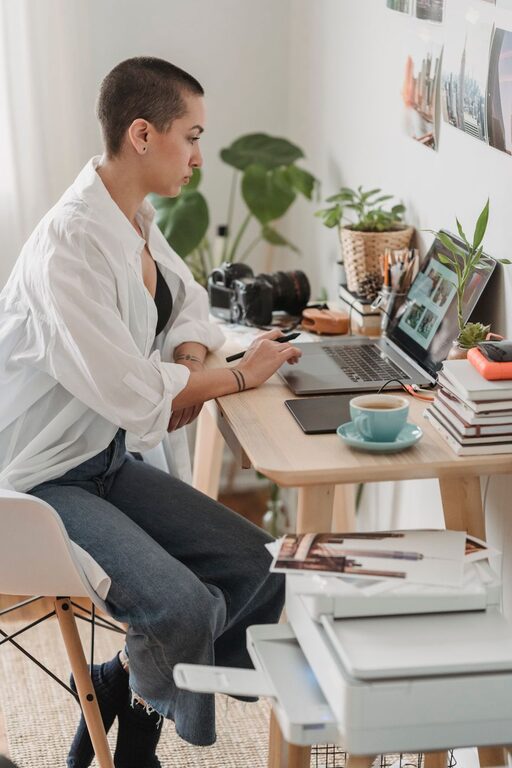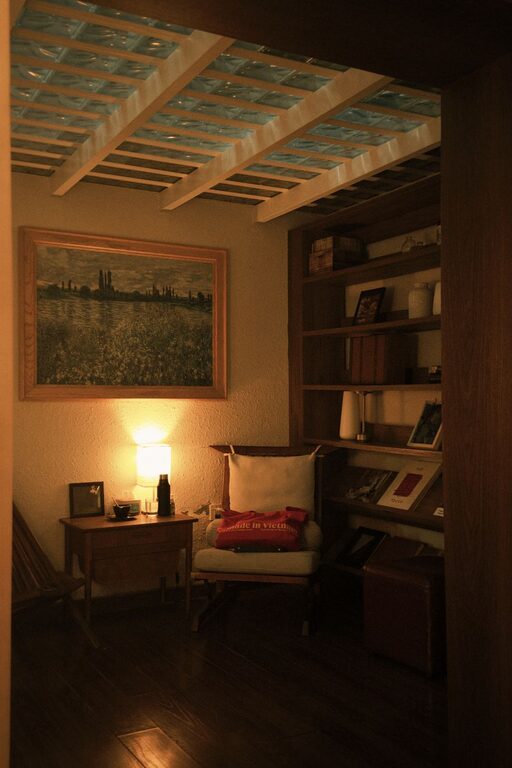





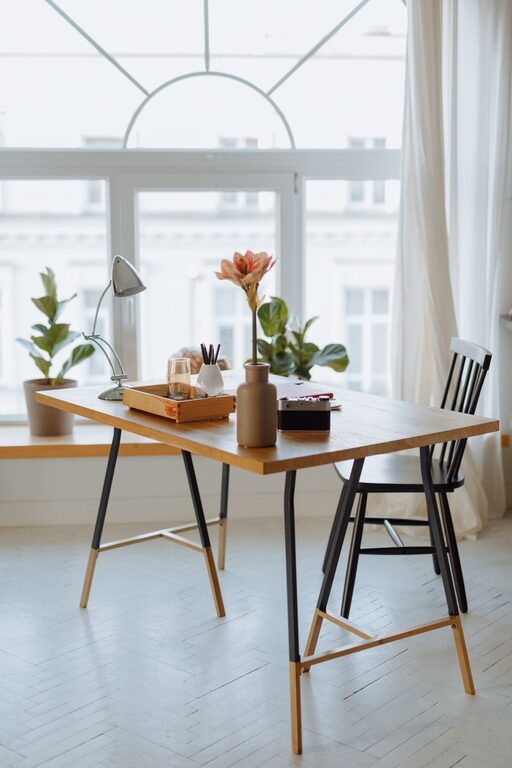
Creating a home office that feels both welcoming and efficient can greatly improve your work-from-home experience. Whether you have a dedicated room or just a small corner, the goal is to design a space that invites focus while keeping comfort top of mind. Here’s a comprehensive guide to help you build a cozy and functional home office that supports your daily tasks and well-being.
Choose the Right Location
Find a Quiet Spot
If possible, select a space away from household traffic to minimize distractions. A quiet corner or a spare room works best to maintain concentration.
Consider Natural Light
Position your desk near a window to take advantage of natural light, which can boost mood and reduce eye strain. If natural light is limited, invest in quality artificial lighting.
Furniture That Balances Comfort and Utility
Select an Ergonomic Chair
An adjustable, supportive chair is essential for long hours of work. It helps prevent back pain and fatigue, promoting better posture.
Opt for a Functional Desk
Choose a desk that fits your space and work style. Options range from compact desks to larger tables with built-in storage. Standing desks are also a great choice if you want to alternate between sitting and standing.
Smart Storage Solutions
Keep your workspace clutter-free with shelves, drawers, or filing cabinets. Proper organization saves time and helps maintain a calm environment.
Personalize Your Workspace
Use Soothing Colors
Soft, neutral colors like pastels or earth tones create a calm atmosphere. You can add accents in brighter colors to inspire energy and creativity.
Add Plants
Indoor plants not only purify air but also add a touch of nature, making your space feel lively and less sterile.
Display Personal Items
Include photos, artwork, or meaningful objects to give your office personality without overwhelming the space.
Enhance Lighting
Layered Lighting
Combine ambient, task, and accent lighting to create a versatile environment. A desk lamp with adjustable brightness can help during detailed tasks.
Avoid Glare
Position screens and lights to reduce glare, preventing eye strain and headaches.
Organize for Efficiency
Declutter Regularly
Set aside time each week to tidy your space. Removing unnecessary items makes working easier and more pleasant.
Use Cable Management
Keep cords organized and out of sight with clips, sleeves, or a cable box. This not only looks neater but also reduces the risk of tripping.
Implement a Filing System
Whether digital or physical, a clear filing system helps you quickly find important documents and keeps your desk clear.
Maintain Comfort
Control Temperature
Make sure your workspace is neither too hot nor too cold. A small fan or heater can help regulate temperature if needed.
Invest in a Footrest or Mat
If your feet don’t comfortably reach the floor, a footrest can improve posture. An anti-fatigue mat is a good addition if you use a standing desk.
Stay Connected
Reliable Technology
Ensure your internet connection and devices are dependable. Consider investing in a quality webcam and microphone for virtual meetings.
Noise Control
Use noise-canceling headphones or white noise machines if external sounds are distracting.
Take Breaks and Move
Designate Break Areas
If space allows, create a nearby spot for resting or stretching. Taking regular breaks prevents burnout and boosts overall productivity.
Incorporate Movement
Use reminders or apps to stand, stretch, or walk around periodically during your workday.
—
By thoughtfully combining comfort, organization, and personal touches, you can create a home office that inspires productivity and tranquility. Remember, the best workspace reflects your unique needs and preferences while encouraging good work habits. Start designing your perfect home office today!